
Rafter & Alder shares practical, down-to-earth guidance on loft conversions, attic storage and home organisation for uk homes for readers across the UK.
- 0123456789
- Angle Bd Abdelmoumen & rue soumaya, Résidence
- [email protected]
Rafter & Alder shares practical, down-to-earth guidance on loft conversions, attic storage and home organisation for uk homes for readers across the UK.
 By Priya Shah
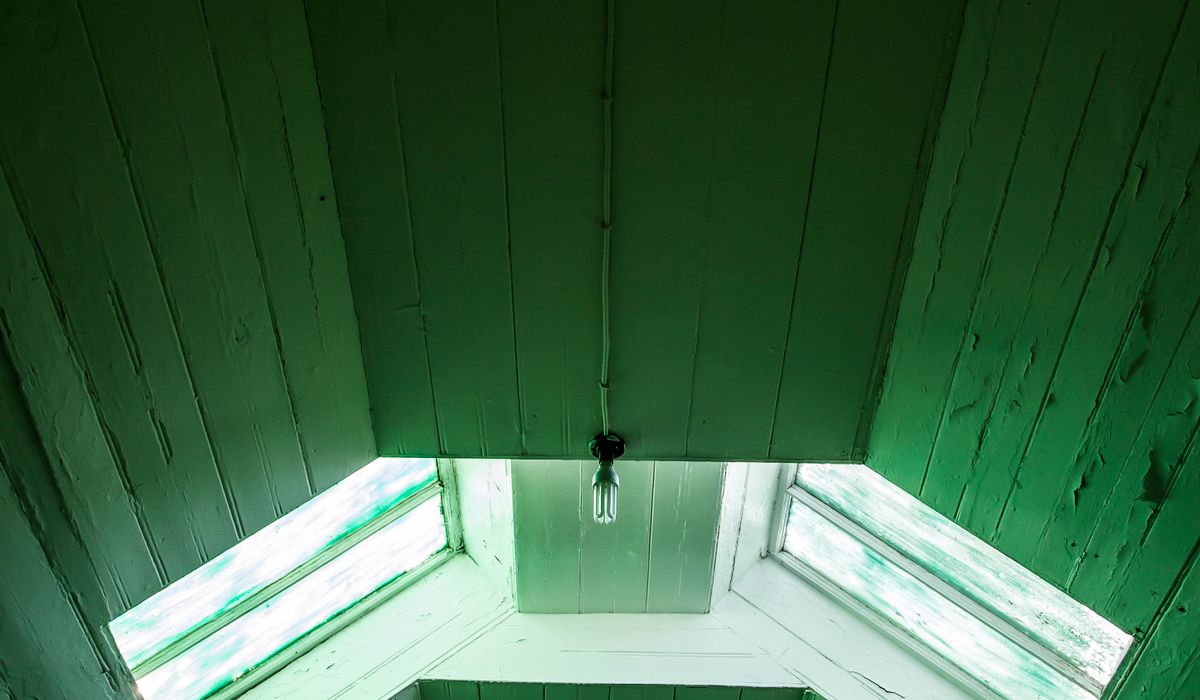
Most loft offices are furnished in the wrong order. The desk goes in first, the chair follows, a shelf gets screwed to the wall, and only on the first video call does it become clear that the camera is pointing at a bright Velux window, a stack of cardboard boxes and the back of a monitor. Work the other way round instead. Decide where you will sit, decide what the camera will see, sort the connection, and choose furniture last. A loft gives you one real advantage: it sits away from the busiest rooms in the house, so barking dogs and clattering pans rarely reach you. It also gives you sloping ceilings, awkward corners and a habit of overheating in July. Plan for both.
Video meetings are far more sensitive to upload speed and stability than to download speed, and a loft is often the worst place in the house for Wi-Fi. Thick insulation, foil-backed boards and chimney breasts all interrupt the signal. Test the speed at the desk itself, not beside the router, and test it at the times of day you actually work.
Aim for roughly 1.5 to 2 metres between you and the wall behind you. That distance gives the camera some depth, so you sit in front of the room rather than pressed against it. A softly painted wall in off-white, warm grey or muted sage is the simplest and most reliable backdrop. High-contrast patterns, busy wallpaper and strong stripes can shimmer on camera and distract from your face.
Never sit with a window directly behind you. The camera will expose for the bright glass and turn you into a silhouette, no matter how good your webcam is. If the only sensible desk position faces that problem, fit a blackout or thermal blind and close it before calls. On a dormer wall, a shallow shelf with a few books, a plant and a framed print reads as professional without looking staged. Keep the visible zone deliberately sparse, and use closed doors, drawers and boxes for everything else.
Light should come from in front of you, ideally a large soft source slightly above eye level and about 45 degrees to one side. A window ahead of the desk with a sheer blind pulled halfway down does this beautifully for most of the day. In the darker months, a diffused LED panel or a softbox gives the same effect and, unlike a bare ring light, will not flatten your face or reflect in your glasses.
Bare plasterboard, hard flooring and a low ceiling make a loft echo. Soften it with a rug, curtains, an upholstered chair and a bookcase, or fit a couple of fabric acoustic panels on the wall in front of you. A properly fitted solid door matters too, both for blocking noise from below and for keeping your voice out of the rest of the house.
Temperature is the other practical issue. Lofts lose heat quickly in winter and gain it fast in summer. Insulate and draught-proof the access hatch, fit reflective blinds to roof windows, and add a thermostatically controlled heater rather than relying on the central heating reaching that high. In summer, a quiet fan is far less noticeable on a call than a noisy one.
Those awkward low spaces beside the chimney are ideal for the things you do not want on screen. Line them with shallow drawers or lidded crates for printer paper, archived files, spare cables and seasonal items. Label everything, because you will be crawling in on your hands and knees.
At the desk itself, keep the visible surface clear and route cables through a tray underneath or a spine down the back of the desk leg. A single tidy cable run reads as calm and competent on camera. Finally, tidy the visible zone as part of your end-of-day routine: close the laptop, straighten the lamp, push the chair in. Ten seconds of tidying now saves you apologising for a background of mugs and unopened post tomorrow morning.


We are not gonna make spamming
