
Rafter & Alder shares practical, down-to-earth guidance on loft conversions, attic storage and home organisation for uk homes for readers across the UK.
- 0123456789
- Angle Bd Abdelmoumen & rue soumaya, Résidence
- [email protected]
Rafter & Alder shares practical, down-to-earth guidance on loft conversions, attic storage and home organisation for uk homes for readers across the UK.
 By Oliver Bennett
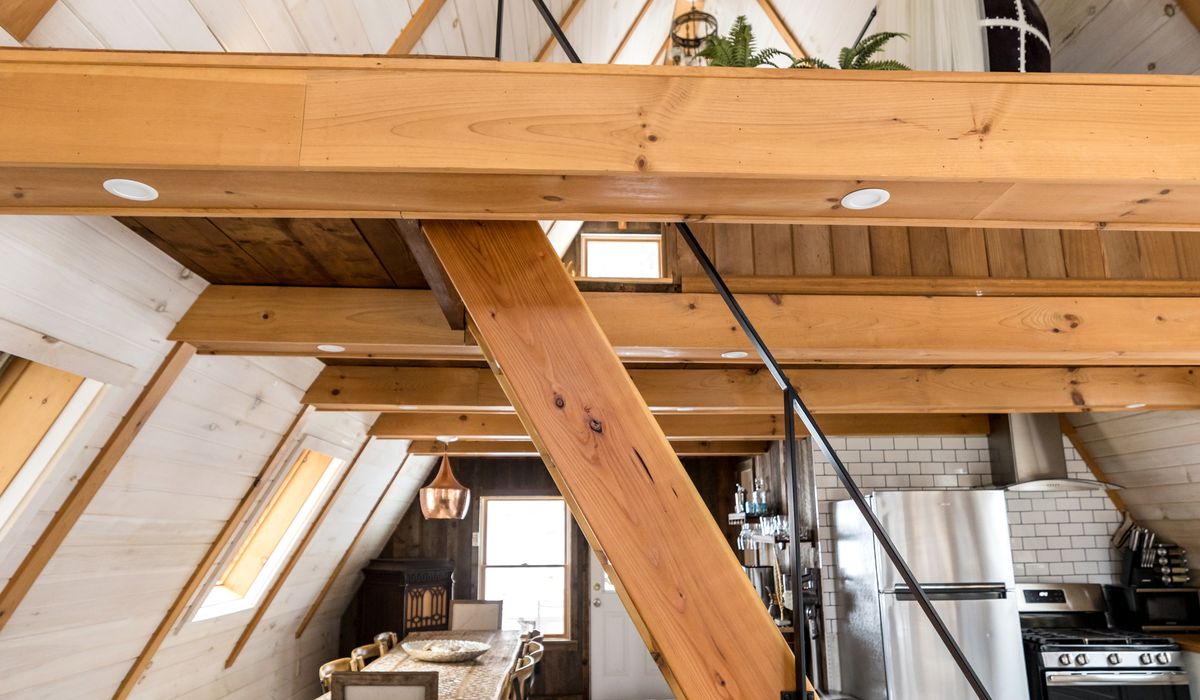
Loft conversions make brilliant home offices. They are away from the noise of the kitchen, they often have lovely light, and they give you a proper door to close at the end of the day. The catch is that broadband rarely behaves as well up there as it does downstairs. Your router usually lives in a hallway, living room, or under the stairs, and the signal has to climb through ceilings, floors, and whatever else your house has in between. Foil-backed plasterboard, underfloor heating with aluminium layers, and old chimney breasts can all sap the signal. Attic storage adds another challenge: metal boxes, foil-lined bags, and dense stacks of boxes can block Wi-Fi just as effectively as a wall. The good news is that with a bit of testing, sensible positioning, and the right kit, you can get a rock-solid connection for calls, uploads, and streaming.
It is tempting to order a mesh system the moment your first call drops. Resist that urge for an hour and test what is actually happening. Stand where your desk will be, connect your laptop to your usual network, and run a speed test at different times of day. Morning and evening results can differ hugely, especially if neighbours are also working from home. For a more detailed picture, use a Wi-Fi analyser app that shows signal strength in dBm. Roughly speaking, -30 dBm is excellent, -67 dBm is fine for browsing and calls, and anything below -70 dBm will cause stutters and dropouts. Test both the 2.4 GHz and 5 GHz bands. The 2.4 GHz band travels further but is slower and more crowded; 5 GHz is faster but struggles through floors. Also check ping and packet loss, because a strong signal with high packet loss will still ruin a video call.
If your router is buried in a cupboard, behind a television, or on the floor next to a radiator, it is already working at a disadvantage. Wi-Fi radiates outwards and downwards as well as upwards, so a central position on the middle floor of the house gives the best chance of reaching the attic. If your router has to stay downstairs, try to move it to a central hallway or landing rather than a far corner. Keep it out of metal cabinets, away from mirrors, fish tanks, microwaves, and baby monitors, as these all interfere. Elevate it on a shelf or wall bracket, and make sure it has ventilation. If you are mid-loft-conversion, this is the perfect moment to run an Ethernet cable from the router to the attic. A single Cat6 cable, installed behind plasterboard or under floorboards, will beat any wireless solution for reliability.
Mesh systems are popular for good reason: they are easy to set up and they hand devices between nodes as you move around. But placement is everything. A mesh node in the attic only helps if it can communicate reliably with the main router. If the signal arriving upstairs is already poor, the node will repeat a weak signal, and your calls will still suffer. Look for a mesh system that supports a dedicated backhaul, ideally wired. If you can run Ethernet to the attic, a simple access point connected by cable will outperform most wireless mesh setups. Powerline adapters can work in some houses, but they depend on your electrical wiring and can be slow or noisy on older circuits. They are worth trying only if running a cable is impossible. For the best results, use wired backhaul for the attic node and let Wi-Fi handle the final few metres to your laptop.
Even with a good signal, a few small changes can make your attic workspace feel far more professional. If your laptop has an Ethernet port, use it. If not, a USB-C to Ethernet adapter costs little and gives you a stable wired connection for important calls. Where Wi-Fi is the only option, prioritise the 5 GHz band for your work laptop and keep other devices on 2.4 GHz. Enable quality-of-service settings on your router if they are available, so work calls get priority over background downloads. Close unused apps and pause cloud backups during meetings. Keep your router firmware up to date, as manufacturers often improve stability and security. Finally, consider a mobile broadband backup. A small 4G or 5G router with a pay-as-you-go SIM can keep you connected if your main line has an outage, which is invaluable when you have a client waiting.
Attic storage and good broadband can coexist, but they need a little planning. Keep at least 30 centimetres of clear space around your router, mesh node, or access point. Avoid stacking metal storage boxes, foil-lined bags, or dense archive boxes directly in front of it. Open shelving is better than closed cupboards, and labelled clear boxes make it easier to find things without pulling everything out. If your attic gets hot in summer, remember that routers and nodes also dislike heat. Do not enclose them in a cupboard or throw a blanket over them. Use cable clips or trunking to keep Ethernet and power cables tidy, and leave a little slack so you can move equipment without tugging. A small, well-ventilated shelf near the centre of the attic is ideal. With the signal sorted and the space organised, your loft will be a genuinely pleasant place to work, not a frustrating dead zone.


We are not gonna make spamming
